Veo AIVeo AI—AI Video Studio
Prompt
AI Enhance
Render setup
ModelChoose a plan to use veo3.1-fast and veo3.1-pro
ResolutionAll renders are fixed at 8 seconds and support 720p, 1080p, and 4k.
Ratio
Preview the Veo AI studio, then sign in and activate a paid plan before launching renders.

Guests can explore presets and upload images, but rendering begins after login and plan activation.

Storyboard premium AI videos with Veo AI

Prototype text briefs, image references, and launch-ready edits in one Veo workspace before you send the final render.

Video
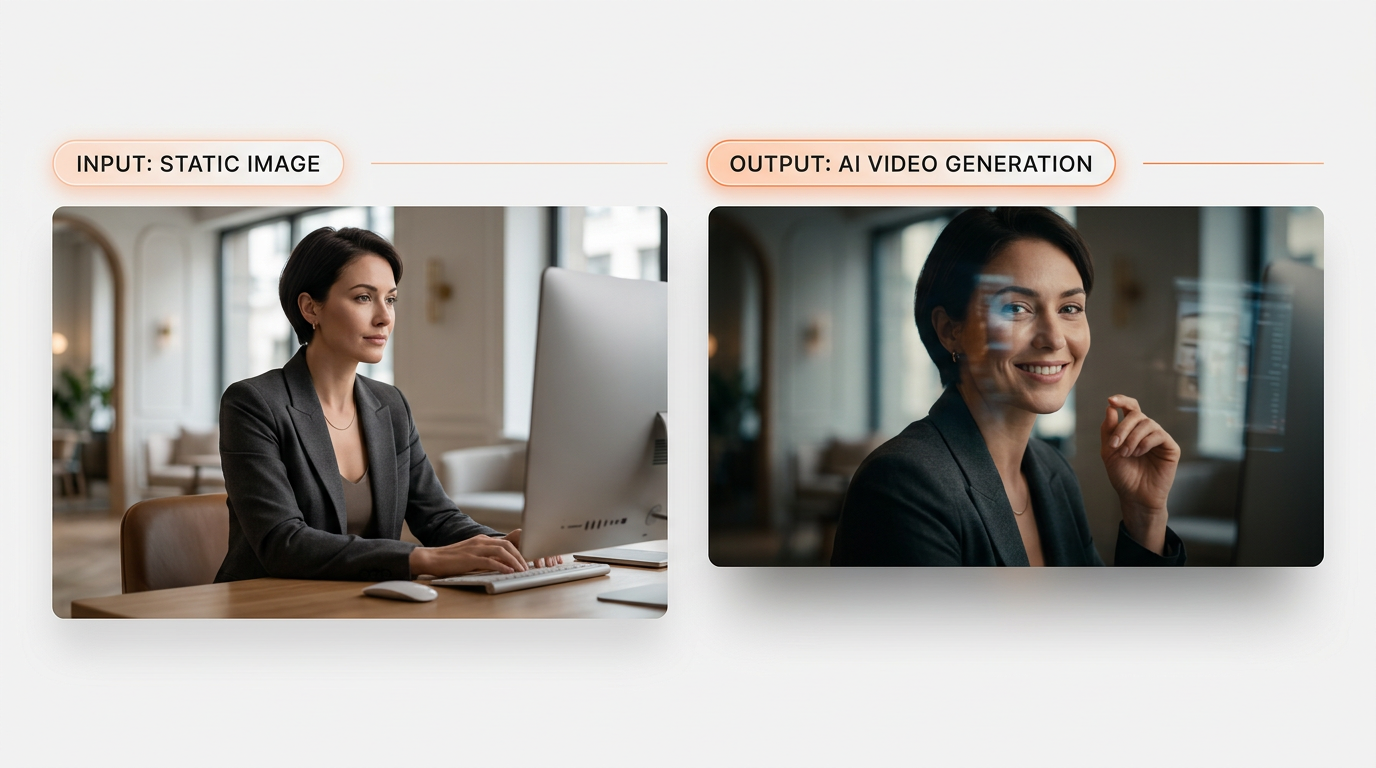
Generated result
Prompt

Turn the founder portrait into a cinematic intro with a subtle head turn, screen glow, and confident launch-video pacing.